
Manage billing: card, invoices, plan changes
The billing owner changes the card, downloads invoices and changes or cancels the plan on Stripe's secure billing page.
Billing is handled on Stripe's secure billing page, outside the app. Only the billing owner (the person who set up the subscription) can sign in to it.
Open Manage billing
- Go to safety.launch-pad-core.com and click Manage billing (at the bottom of every page).
- Enter the billing owner's email. Stripe emails a one-time code to that address.
- Enter the code. You see your subscription, card and invoices.
What you can do there
- Update the payment card.
- See and download invoices and receipts.
- Change the plan: move between Team and Business, add or remove Pro I / Pro II, or switch between monthly and annual. Changes are prorated: you are charged or credited the difference.
- Update the company name, billing address and phone on the invoices.
- Cancel the subscription. See Cancel your subscription.
When you are billed
- Monthly plans: the first charge covers at least one full month; after that you are billed in advance on the 1st of each month.
- Annual plans: billed once a year in advance, on the date of the first annual charge.
- In the app, Settings → Plan & billing shows your plan and the next renewal date.
If something goes wrong
- No code from Stripe: it goes only to the billing owner's email. Check junk or spam. If the billing owner has left the company, the Administrator changes it in Settings → Plan & billing → Change the billing owner email (see Change your sign-in or billing email).
- Your plan is full: upgrade here from Team to Business, or call us about Enterprise (21+ users).
Good to know
- Other people in your company can't open Manage billing; ask the billing owner.
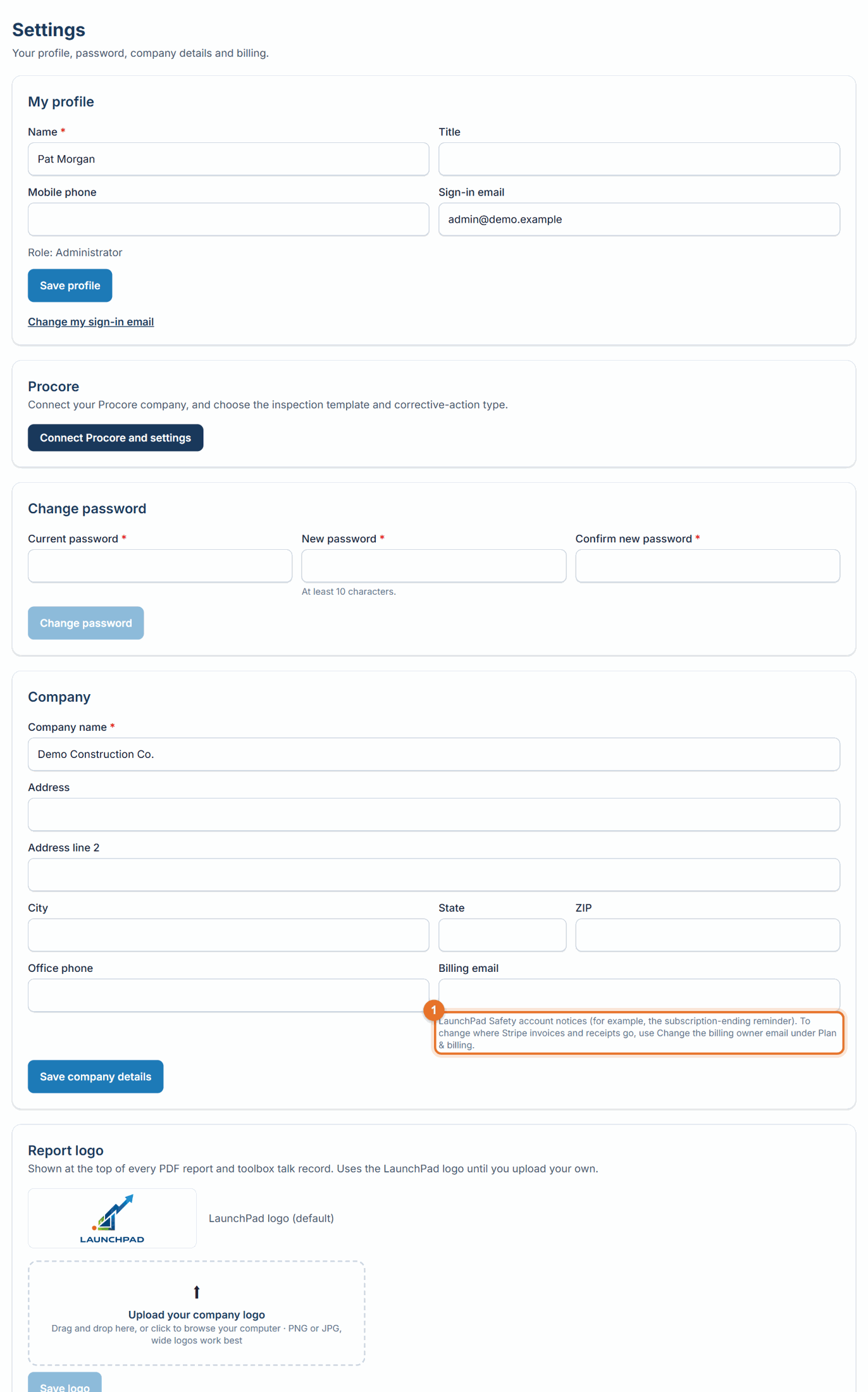
- The billing owner email can't be changed on the Stripe page. The Administrator changes it in LaunchPad Safety: Settings → Plan & billing → Change the billing owner email (see Change your sign-in or billing email).
Still stuck? Call or text (888) 207-2330 or email support@launch-pad-core.com.