
Download all your records, and restore from a download
The Administrator downloads one ZIP of everything your company has in LaunchPad Safety, and can restore the library from it.
Your records are yours. The Administrator can download all of them in one file at any time, and for 90 days after a subscription ends (30 days after a free trial). The download includes your OSHA 300, 300A and 301 logs and a list of every file with its checksum (contents.json), so you can show later that it's complete and unchanged.
LaunchPad Safety is not a long-term records archive: your company keeps the records the law requires (for example, OSHA logs for five years after the year they cover). Download everything before your access ends and keep the file.
Download everything
- Open Settings → Download your company's records.
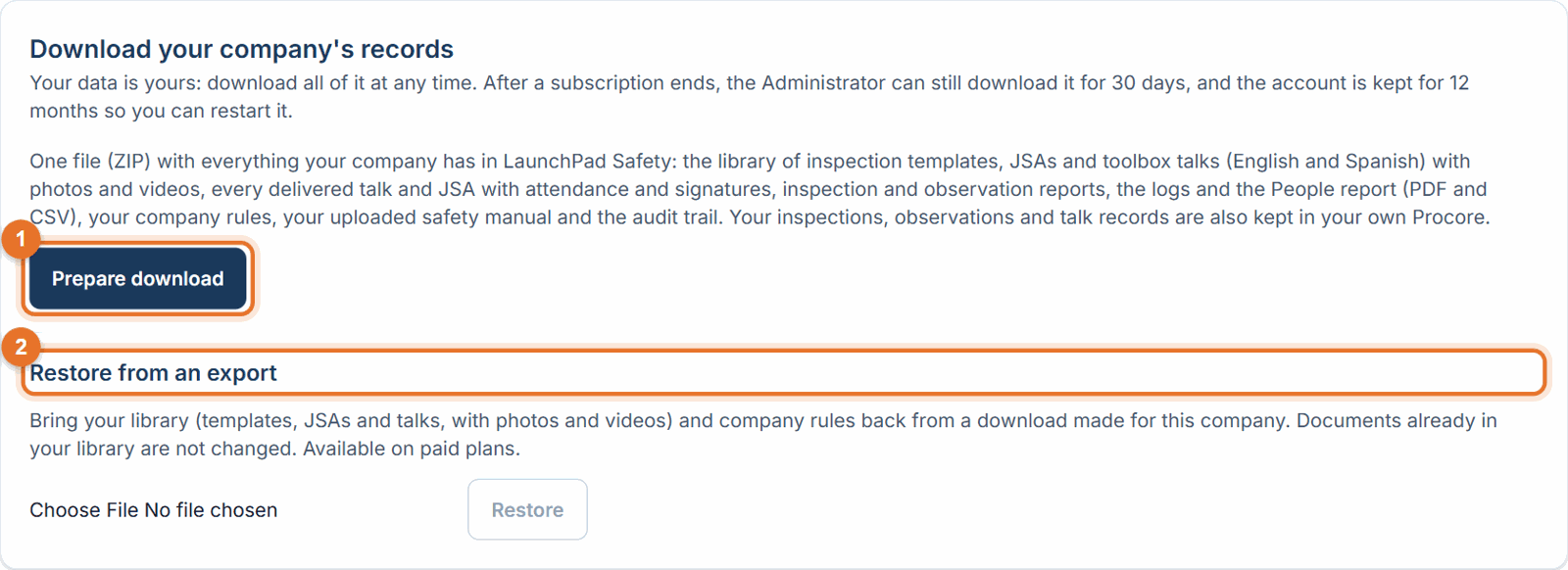
- Click Prepare download. It is built in the background and can take a few minutes for a large company. You can leave the page and come back.
- Click Download when it's ready. You get one ZIP file.
What's in the ZIP
- Library: every inspection template, JSA and toolbox talk as a PDF (talks in English and Spanish), with their photos and uploaded videos, plus a spreadsheet list.
- Records: every delivered toolbox talk and JSA as a PDF with attendance and signatures, plus a spreadsheet.
- Reports: a PDF for every inspection and observation in your safety logs.
- Logs: the inspection, other safety inspection, observation and toolbox talk & JSA logs and the People report, as PDF and CSV.
- Company: your company rules, your uploaded safety manual, and the audit trail.
- README.txt: what's inside, and anything that couldn't be included.
Restore your library from a download
Deleted a library document or rule by mistake? You can bring back the library and company rules from a download made for this company. 1. Open Settings → Download your company's records → Restore from an export. 2. Choose the ZIP file and click Restore. You see how many library documents and rules were added.
If something goes wrong
- "This export belongs to another company…": a download can only be restored into the company it came from.
- "Restoring from an export is available on a paid subscription (not during a free trial).": restore after the trial converts to a paid plan.
- "This file is not a LaunchPad Safety export, or it has been changed.": use the original ZIP, unchanged.
Good to know
- Restore skips documents already in your library (same type and title) and never changes them.
- Restored documents keep their status; publish templates to Procore again if you need them there.
- Delivered talk records are not restored; they stay in your Procore and as PDFs in the ZIP.
- Only the newest download is kept on our side. Prepare a new one any time.